Overview
Coding monitors should be judged by comfort. Text clarity, vertical space, window layout, USB-C support, and low eye strain matter more than headline gaming specs.
The MonitorCritic dataset includes several categories that work well for developers: 27-inch 4K, 32-inch 4K, 34-inch ultrawide, and 40-inch 5K2K productivity monitors.
Best Sizes
27-Inch 4K
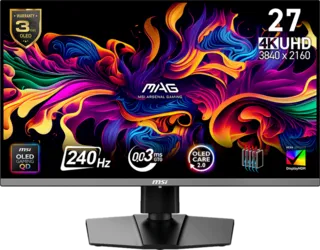
This is compact, sharp, and easy to fit on most desks. It works well for one main editor window plus side panels.
32-Inch 4K
This gives more physical space while keeping the image sharp. It is a good choice if you want larger text and more comfortable scaling.
34-Inch Ultrawide
Ultrawide monitors are excellent for side-by-side editor, terminal, browser, and documentation layouts.
40-Inch 5K2K
This is the premium productivity format. It gives ultrawide width without sacrificing vertical resolution.
Features To Prioritize
Look for USB-C, good stand ergonomics, flicker-free behavior, and a panel that renders text cleanly. High refresh is nice but not essential unless the monitor is also used for gaming.
Final Recommendation
For most developers, 32-inch 4K is the safest single-monitor choice. Choose 34-inch or 40-inch ultrawide if your workflow benefits from persistent side-by-side windows.