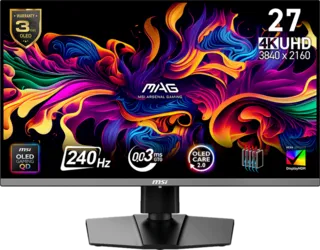
Overview
Brightness is listed in nits, but the number does not tell the whole story. A monitor can have modest full-screen brightness and still deliver impressive HDR highlights, especially if it uses OLED or Mini-LED technology.
In the MonitorCritic dataset, brightness values help compare displays, but they should be interpreted alongside panel type, contrast ratio, HDR behavior, and room lighting.
SDR Brightness
For ordinary desktop use, SDR brightness determines how comfortable the screen feels in your room. Around 250 to 350 nits can be fine in controlled lighting, while brighter rooms benefit from more headroom.
HDR Brightness
HDR is about contrast and highlights. OLED monitors can have deep blacks and strong small highlights even if full-screen brightness is limited. Mini-LED monitors can often sustain brighter scenes but may show blooming.
Why Panel Type Matters
An OLED at 250 nits and an IPS monitor at 300 nits do not feel the same because black level and contrast affect perceived punch. That is why brightness should never be judged alone.
Final Recommendation
For office use, prioritize comfortable SDR brightness and anti-glare behavior. For games and movies, evaluate brightness with contrast, local dimming, and panel technology.