Overview
Refresh rate describes how many times per second a monitor can update. Higher refresh rates can make motion look smoother and input feel more immediate, but the benefit depends on the games you play and the frame rates your hardware can deliver.
The MonitorCritic dataset includes everything from 60Hz productivity displays to 540Hz esports monitors.
60Hz
Still fine for office work, media, photo editing, and casual use. It is not ideal for fast competitive gaming.
100Hz to 180Hz
This is the modern comfort zone. It feels much smoother than 60Hz and is realistic for many gaming PCs.
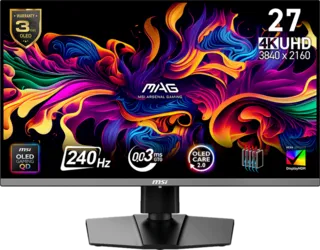
240Hz
This is where serious gaming monitors start to feel very responsive. It is a strong target for competitive players and premium OLED displays.
360Hz and Above
These monitors are built for esports. They make the most sense for players who use low settings, chase high frame rates, and value motion clarity over resolution.
Final Recommendation
Most people should target 144Hz to 180Hz as a baseline. Competitive players should consider 240Hz or higher. Productivity users can stay at 60Hz if image quality and resolution matter more.